
Features
Built for watching two things at once.
- 01
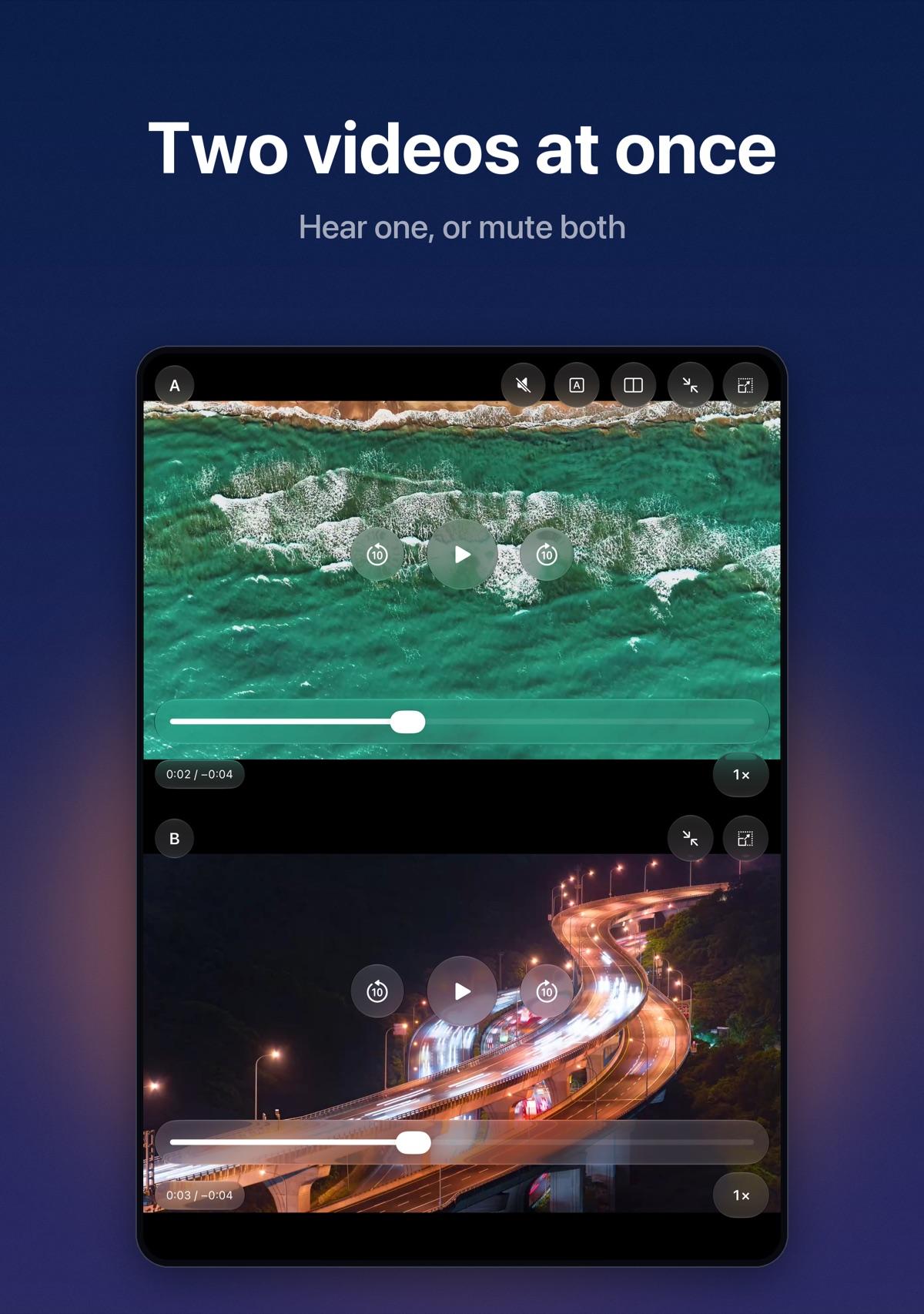
Two videos at once
Play a video in each pane, from a website or from Files and Photos. Follow two streams, compare angles, or keep a second clip ready.
- 02
Hear one pane, or neither
Choose which pane is audible or mute both. Switching the source while muted only changes which pane plays when you unmute.
- 03
Fill a video to its pane
Expand the current video to the pane’s viewport. Bare videos get standard play, skip, scrub, speed, and caption controls.
- 04
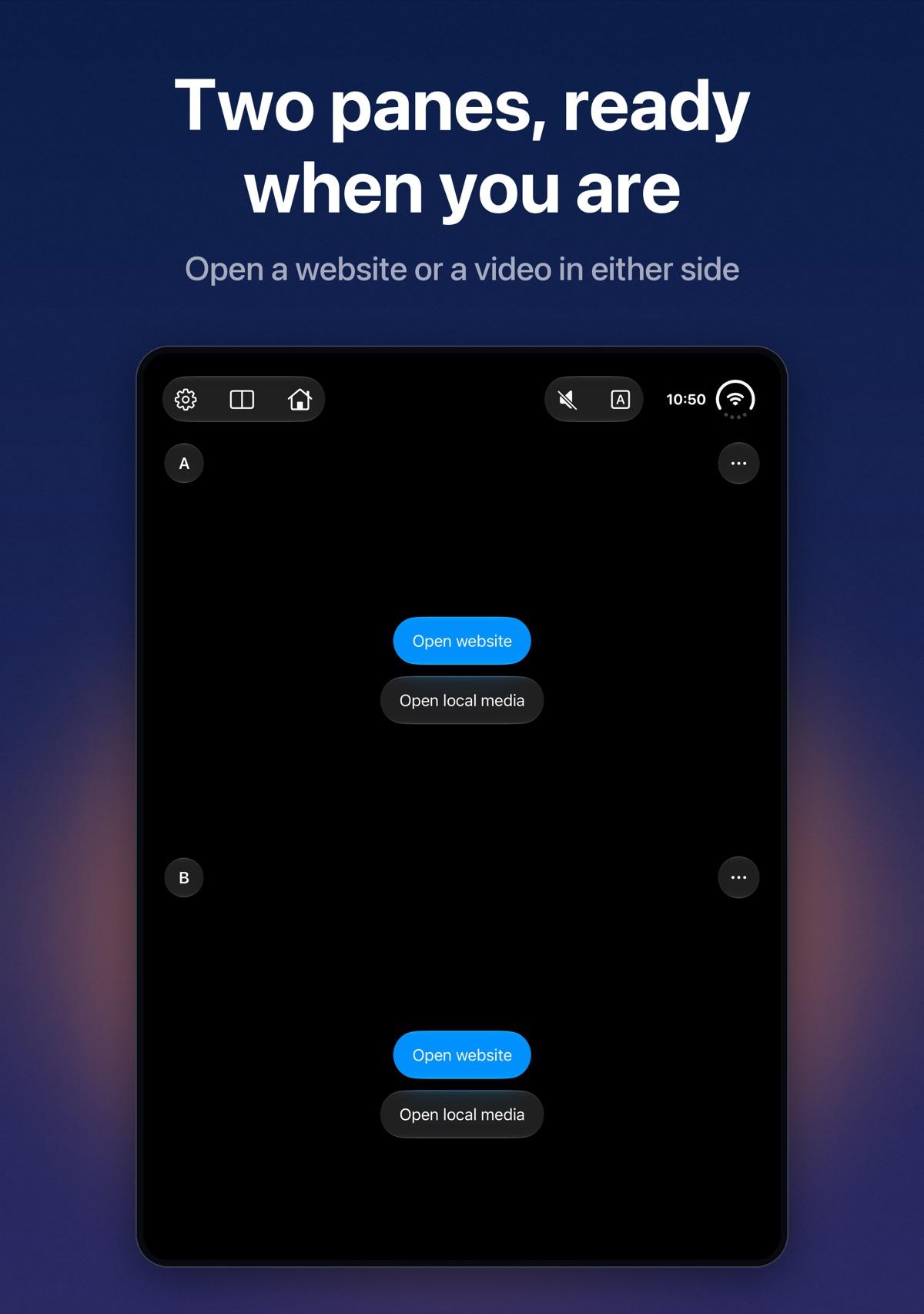
Two websites, one workspace
Browse two sites at the same time. Stack panes or place them side by side, and enlarge one when you need more room.
- 05
Local videos
Open a video from Files or Photos in either pane. Selected videos stay on your device and are never uploaded.
- 06
Favorites
Save websites for quick access in either pane. Favorites are stored on your device.
- 07
Picture in Picture
Keep a playing video in a floating window on supported websites, using the page’s own video.
- 08
Optional ad blocking
Enable uBlock Origin Lite from Settings to reduce ads and trackers in both panes. It stays off until you approve its access.
- 09
Private by design
No account, analytics, or tracking. Favorites, cookies, and sign-ins stay on your device until you clear them.
Privacy policy